Buyers need decision-grade proof. Suppliers must control exposure.
Buyers need decision-grade evidence to qualify suppliers; suppliers must control what they reveal. Discoverer resolves the tension by making private evidence drive matching — without ever exposing the data itself.
What's Public
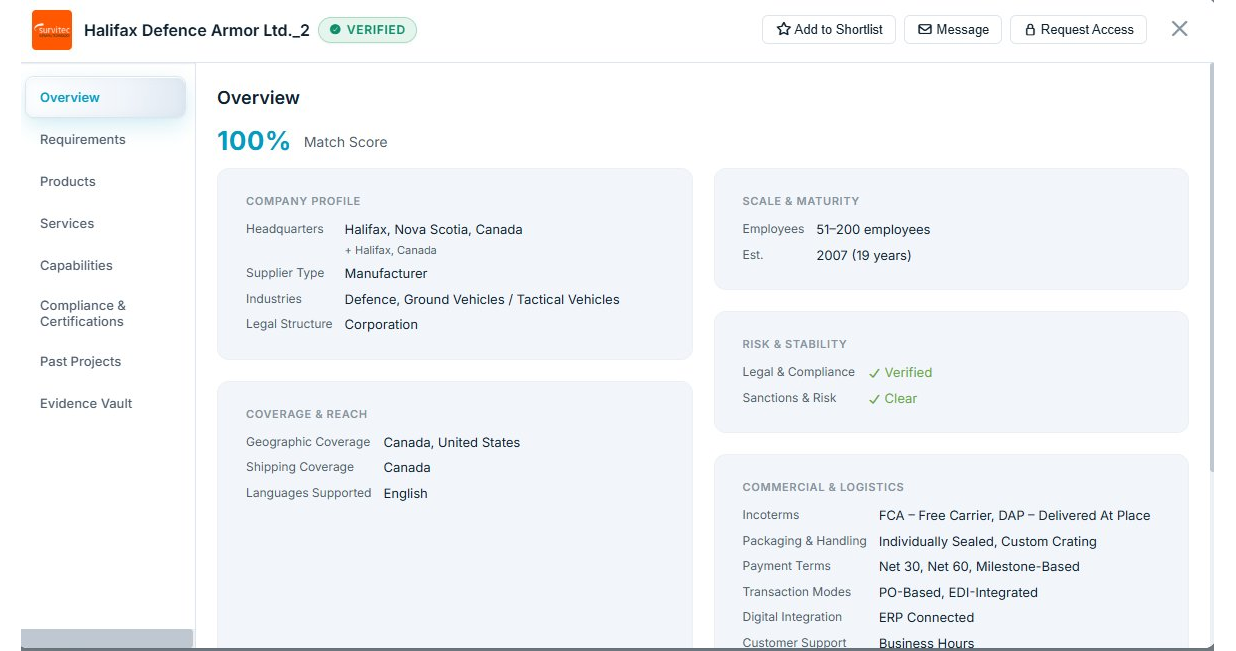
Public is for discoverability and first-pass qualification. Enough to understand who the supplier is, what they do, and whether it's worth engaging.
- Core company profile — sites, regions served, ownership type, basic stability signals
- Capability overview — process families, materials families, product/service categories
- Certifications claimed — with high-level scope
- Logistics & commercial posture — regions, typical lead-time bands, transaction modes
- Proof signals — markers that something exists ("audit report on file", "FAI/PPAP evidence on file") without revealing content
What's Private
Private is where onboarding-grade decisions get made. The content buyers routinely request during qualification — currently scattered across inboxes, portals, and folders. Every private field and document stays hidden and access-gated — yet still powers matching and surfacing in the background.
- Full certification PDFs — scope, site codes, expiry, audit findings and closures
- Technical data sheets — full TDS, lab methods, performance envelopes
- Acceptance specifications — quality manuals, process control plans
- PPAP / FAI summaries — audit letters, test reports (NDT, fatigue, metallurgical, etc.)
- Detailed catalogs & SKU breakdowns — internal references, application notes
- Past Project evidence packs — full delivery records, outcome data, buyer confirmations
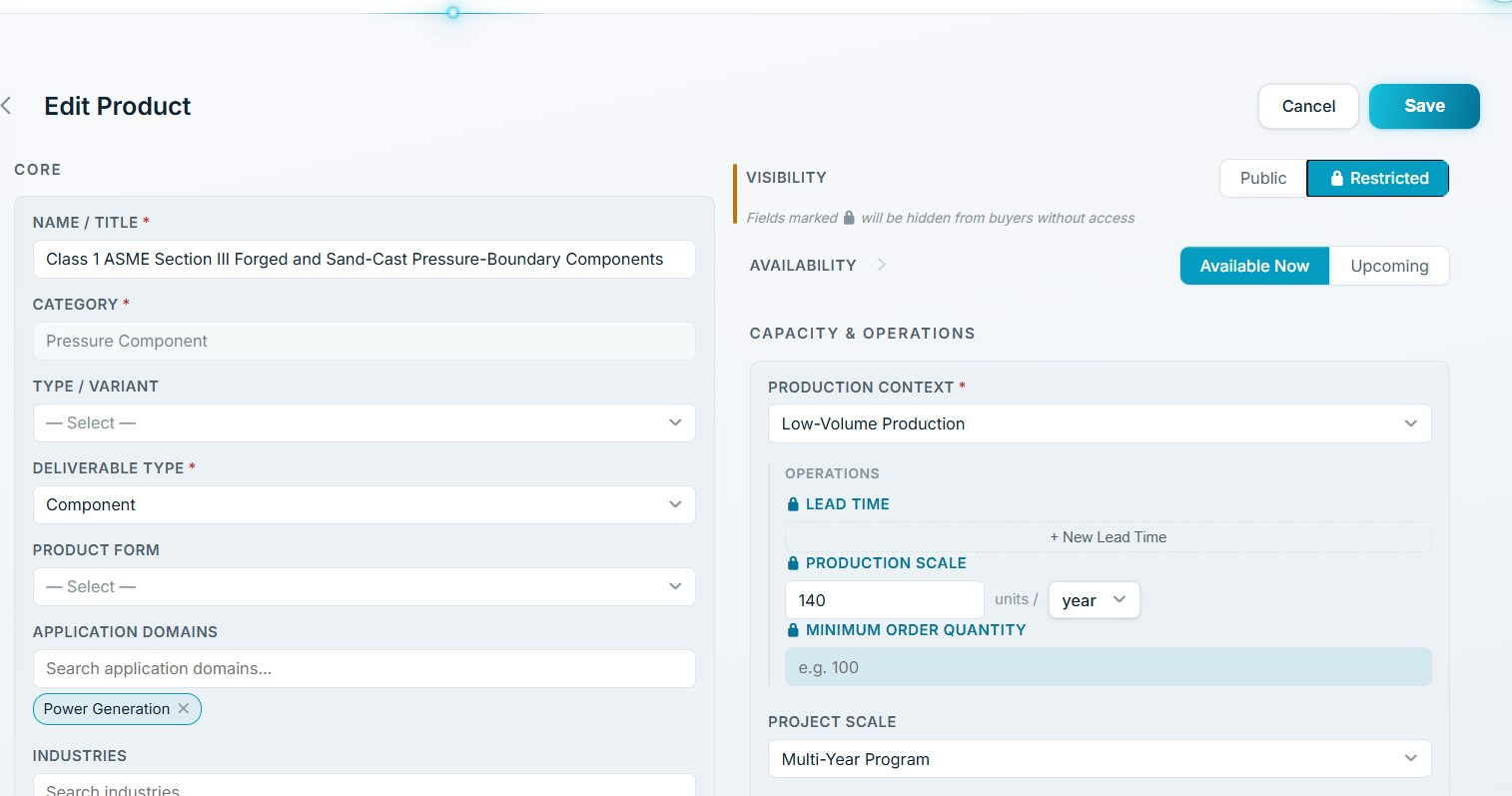
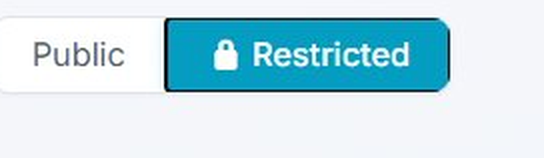 Per-field visibility
 Locked private field
How Access Works
Private evidence stays private until the supplier says otherwise. Buyers see proof markers and can request access. Suppliers see who is asking, and approve or deny on their terms.
- Step 1 — Buyer sees "Private evidence on file" markers on profile and search results
- Step 2 — Buyer clicks Request Access, specifies purpose
- Step 3 — Supplier sees the requesting company and employee, then approves or denies
- Step 4 — Access is granted under governance rules, with audit trail
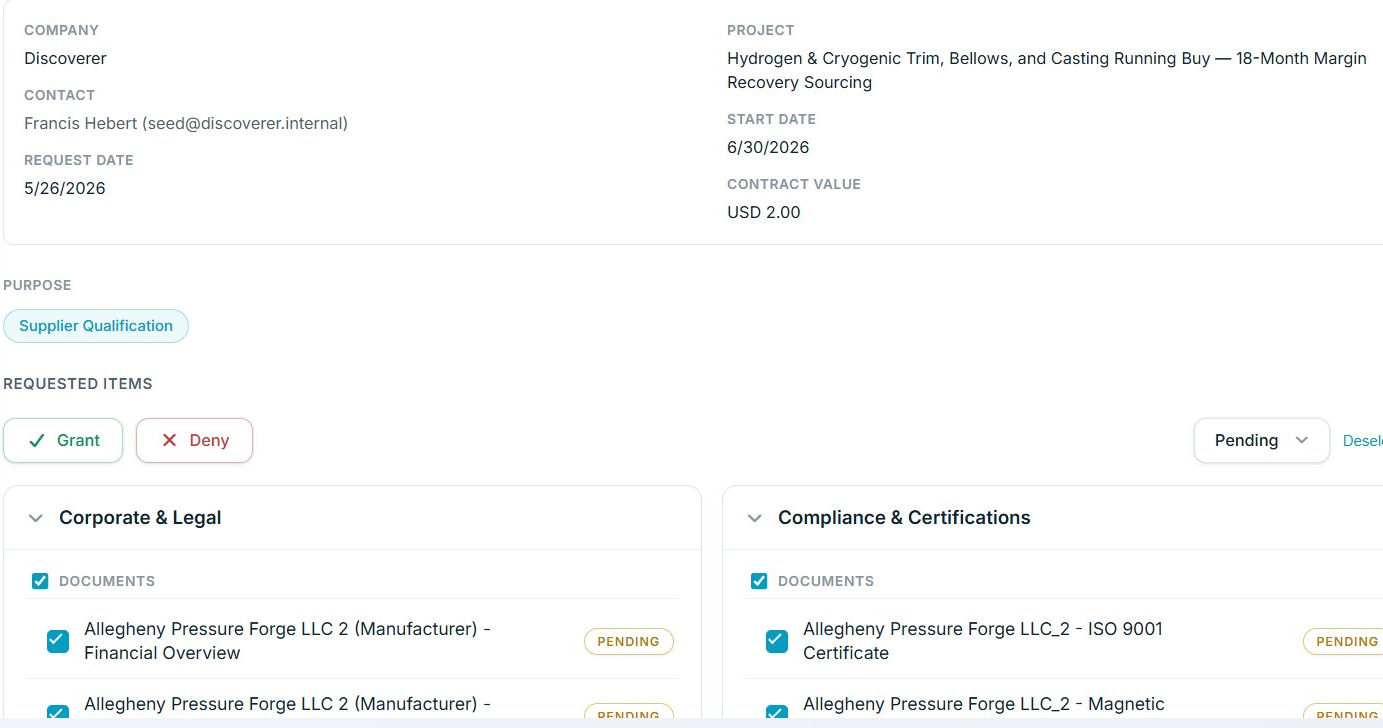
 Supplier approves or denies
 Buyer states purpose